3D Graphics, Tutorials and Tips
Using 3DS Studio Max and Mental Ray
3D Graphics, Tutorials and Tips
Using 3DS Studio Max and Mental Ray
DMMultimedia
 The iray render engine, as standard, has been included in Autodesk 3ds Max for the last few years. This is a powerful render engine that takes advantage of the power of the parallel processors in modern Nvidia graphics cards. It can take advantage of a simple nvidia graphics card (works well on laptop cards too), but can also be used with a group of graphics cards (with some motherboards you can link up several high-end graphics cards).
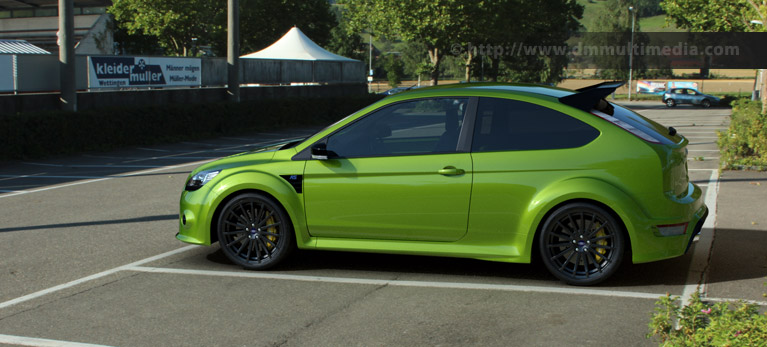
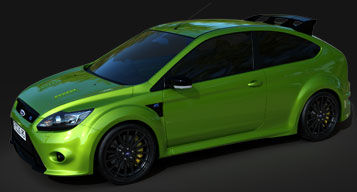
The iray render engine has now been complemented with some dedicated iray shaders that enable us to use it in a similar manner to the Production Shaders in Mental Ray. These new iray shaders include a multi-purpose, multi-layer material (ideal for metallic paints and glossy materials) and a Matte shader. How to install and set these shaders up is explained below. With these shaders setup we will look at creating a simple car scene for use with iRay.
The iray renderer has some advantages :
But the iray renderer has some noticeable disadvantages (some are complete deal breakers to me) :
To sum up, think long and hard if you want to put any effort into learning iray, as the above limitations really hamstring any project I would like to use with iray. I think some multi-layer iray material is in development, but as a render engine that has been out for years, the lack of these quite simple basic shaders is simply risable.
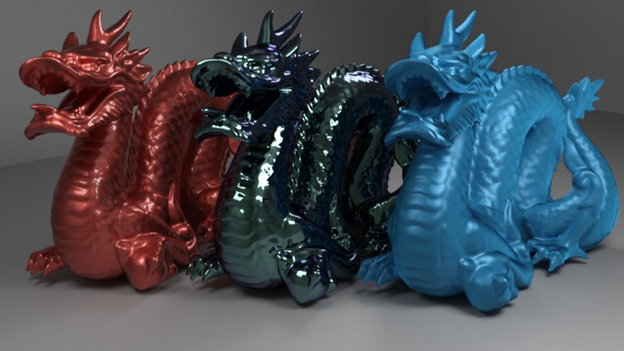
The iray material (results shown below) is a very flexible shader. It allows us to create and fine tune materials that would be very difficult in Mental Ray. Background information can be found here : http://blog.irayrender.com/
The shader can be downloaded here : http://forum.mentalimages.com/
Follow the easy instructions in the help PDF to install this shader.
The iray matte object shader can be used in a very similar way to the matte/shadow material in Mental Ray. It allows us to render an object within a backplate. Background information can be found here : http://blog.irayrender.com/
The shader can be downloaded here :http://forum.mentalimages.com/
Again follow the easy instructions in the included help file to install this shader.